
macOS App
FornaX RDS AI Connect
Check RDP server connections on your Mac —
and see the AI features installed on FornaX RDS servers.
Available on the Mac App Store ·Support·Privacy Policy
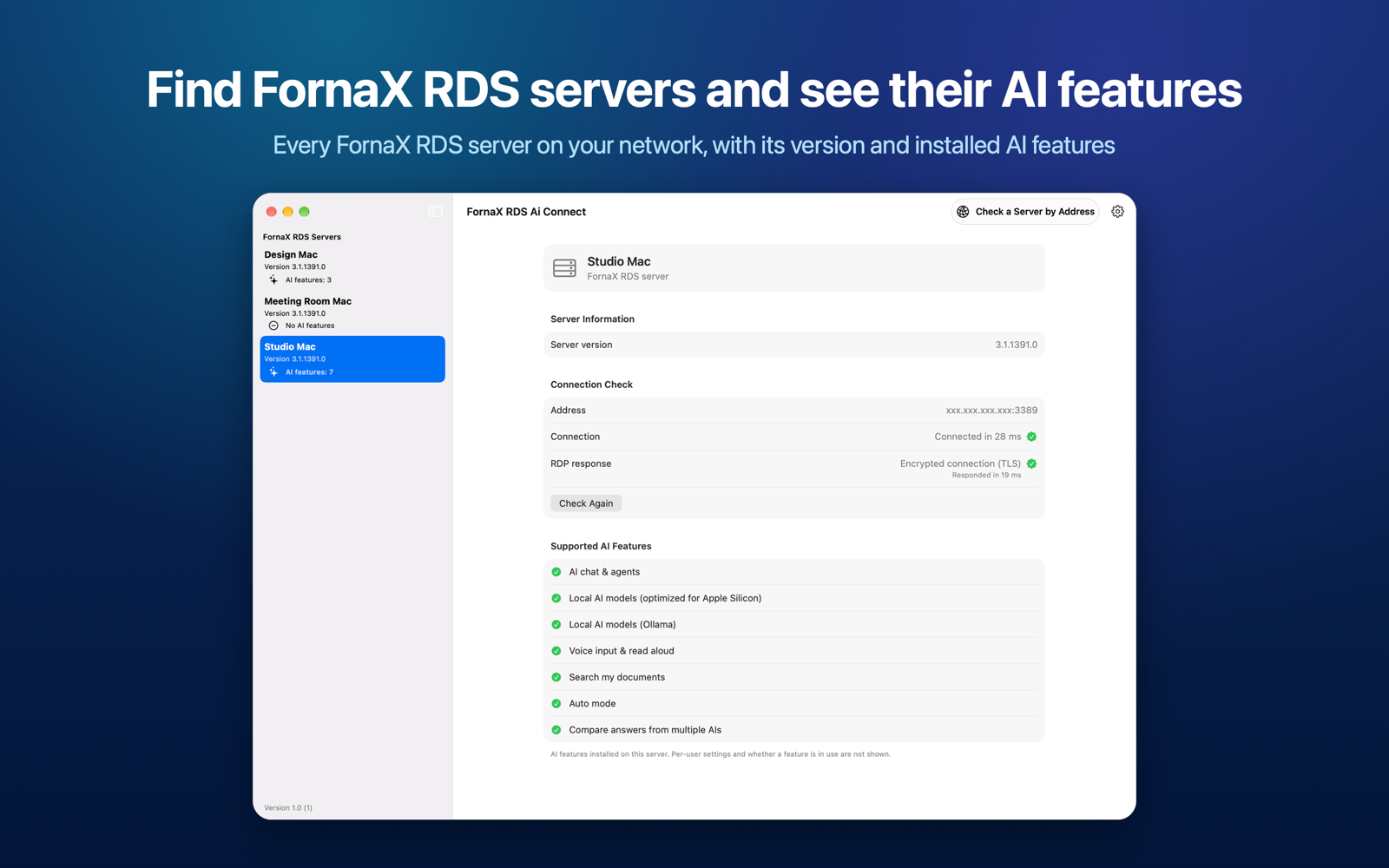
Find FornaX RDS servers and see their AI features
Every FornaX RDS server on your network, with its version and installed AI features.
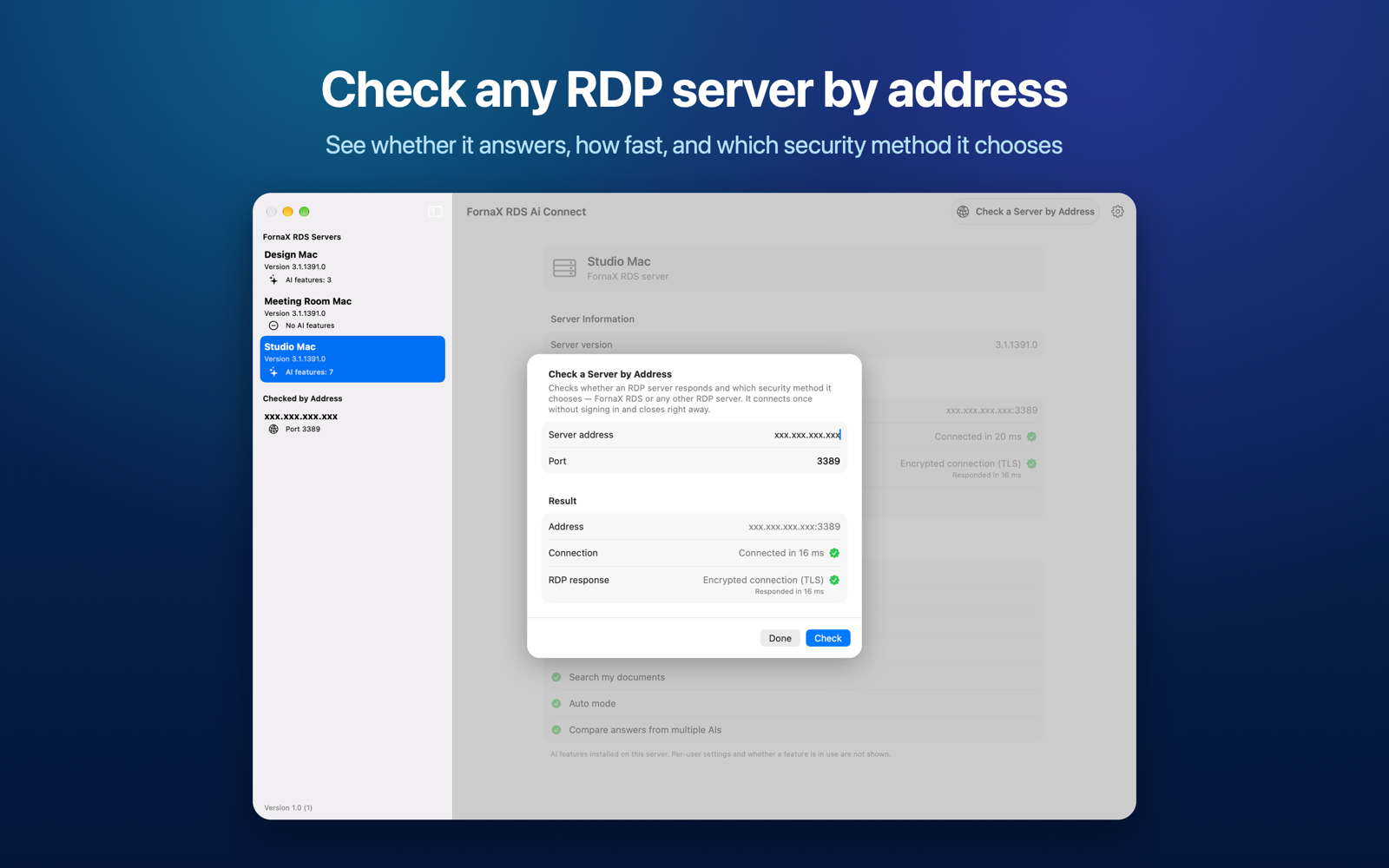
Check any RDP server by address
See whether it answers, how fast, and which security method it chooses.
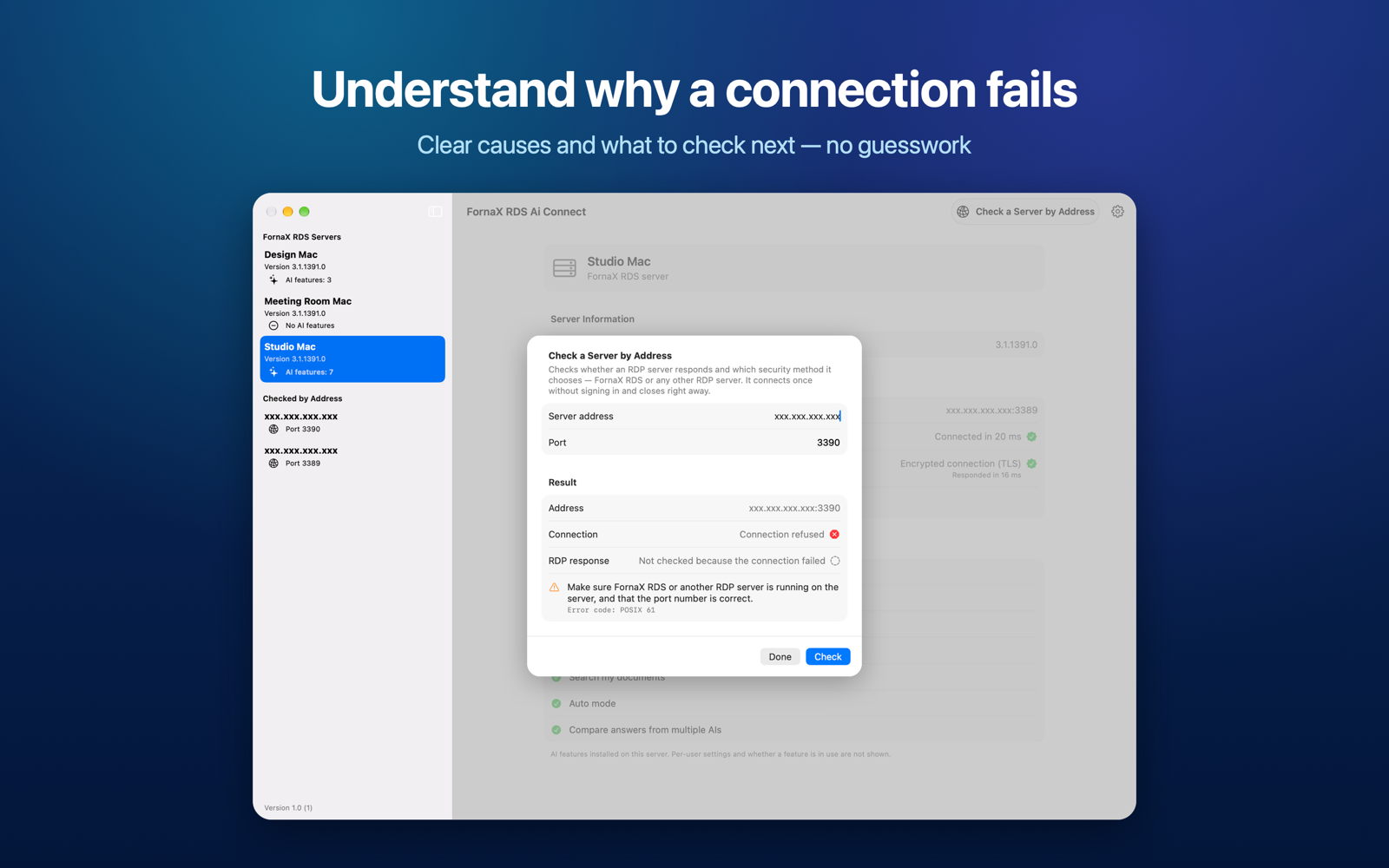
Understand why a connection fails
Clear causes and what to check next — no guesswork.
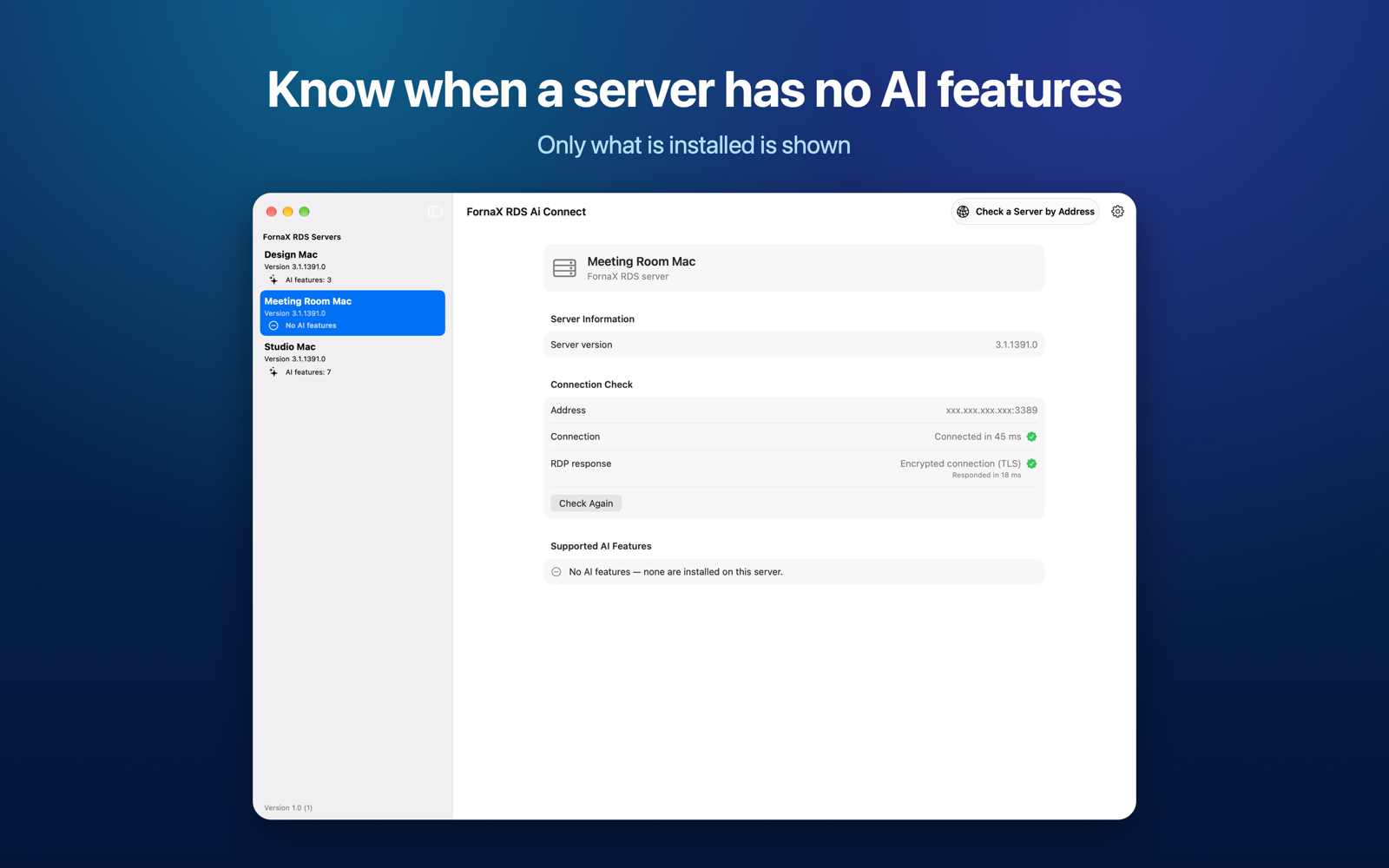
Know when a server has no AI features
Only what is installed is shown.
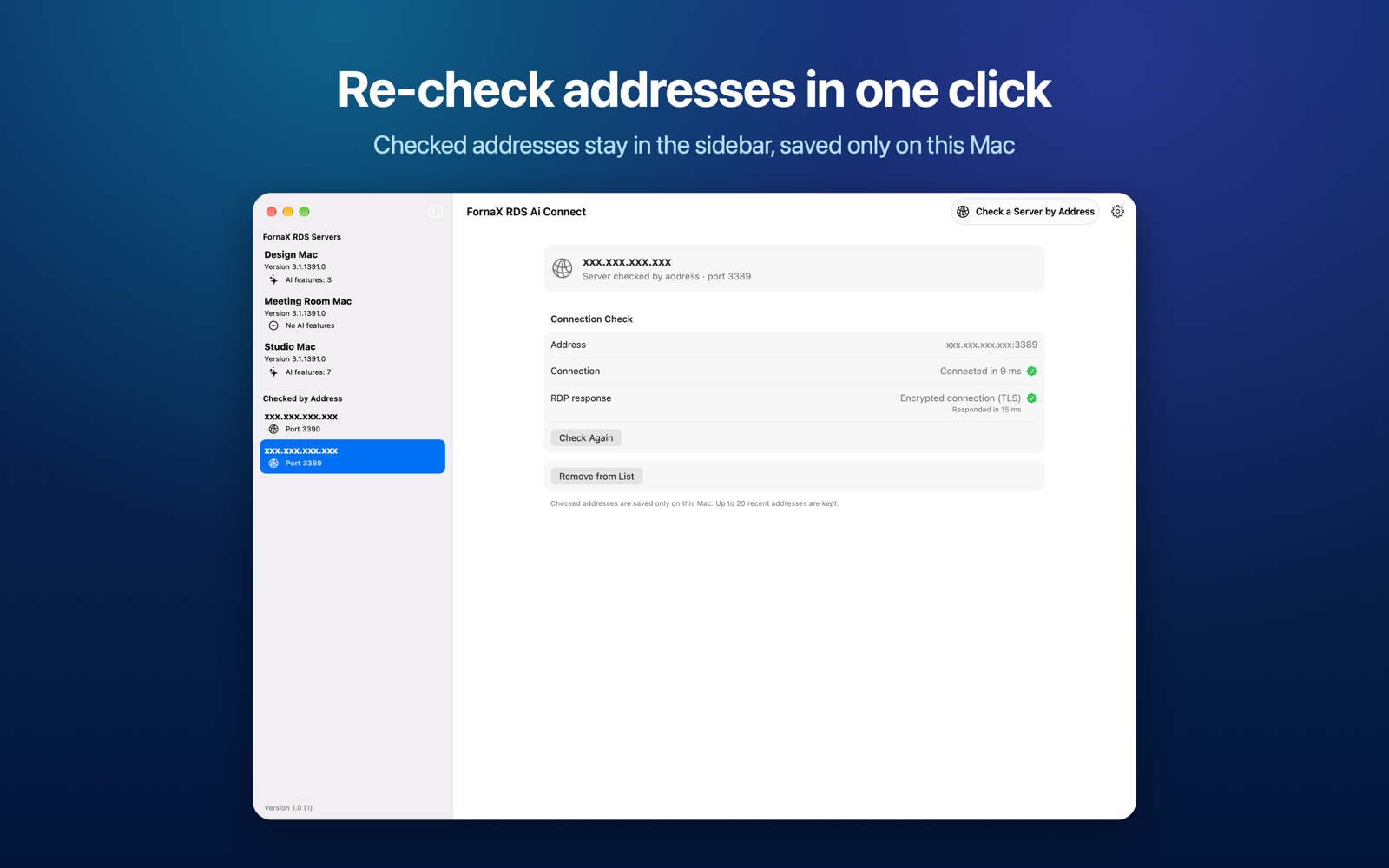
Re-check addresses in one click
Checked addresses stay in the sidebar, saved only on this Mac.
Download
Download Now
FornaX RDS AI Connect is available on the Mac App Store.
Tap the button below to install it.
Requirements
- macOS 13 Ventura or later
- Languages: English, Korean, and Japanese
- Local network access (to find and check servers on the same network), and when checking a remote server